Get the background wrong and nothing else matters. You can pick the perfect font, nail the color, nail the spacing — and one wrong photo behind it will drag the whole image down. So where do you actually find good backgrounds, for free, without stepping on a copyright?
Sources I keep going back to
- Unsplash — huge, genuinely free, and the quality is consistently high. My go-to for photography-style backgrounds.
- Pexels — about the same quality, very permissive license, and a strong collection of abstract and texture shots.
- Pixabay — enormous library, no attribution required. Perfect for plain textures and skies.
- Your own camera — honestly the most underrated option. Your own photos can't be copyright trouble, and nobody else on earth has them.
One thing worth repeating: double-check a photo's license before you use it commercially. The “free” sites are generally safe, but individual photos can carry specific terms.
Which kind of background to reach for
This is where most people trip up. The “interesting” backgrounds are rarely the best ones. I'd rank them like this:
- First choice: empty space. Sky, fog, a plain wall, a blurred landscape. Room for the text to breathe.
- Second choice: a texture. Grain, concrete, paper, water. Adds feeling without adding clutter.
- Third choice: a busy photo — but only if it's dark enough or light enough for the text to dominate.
The mood should match the quote
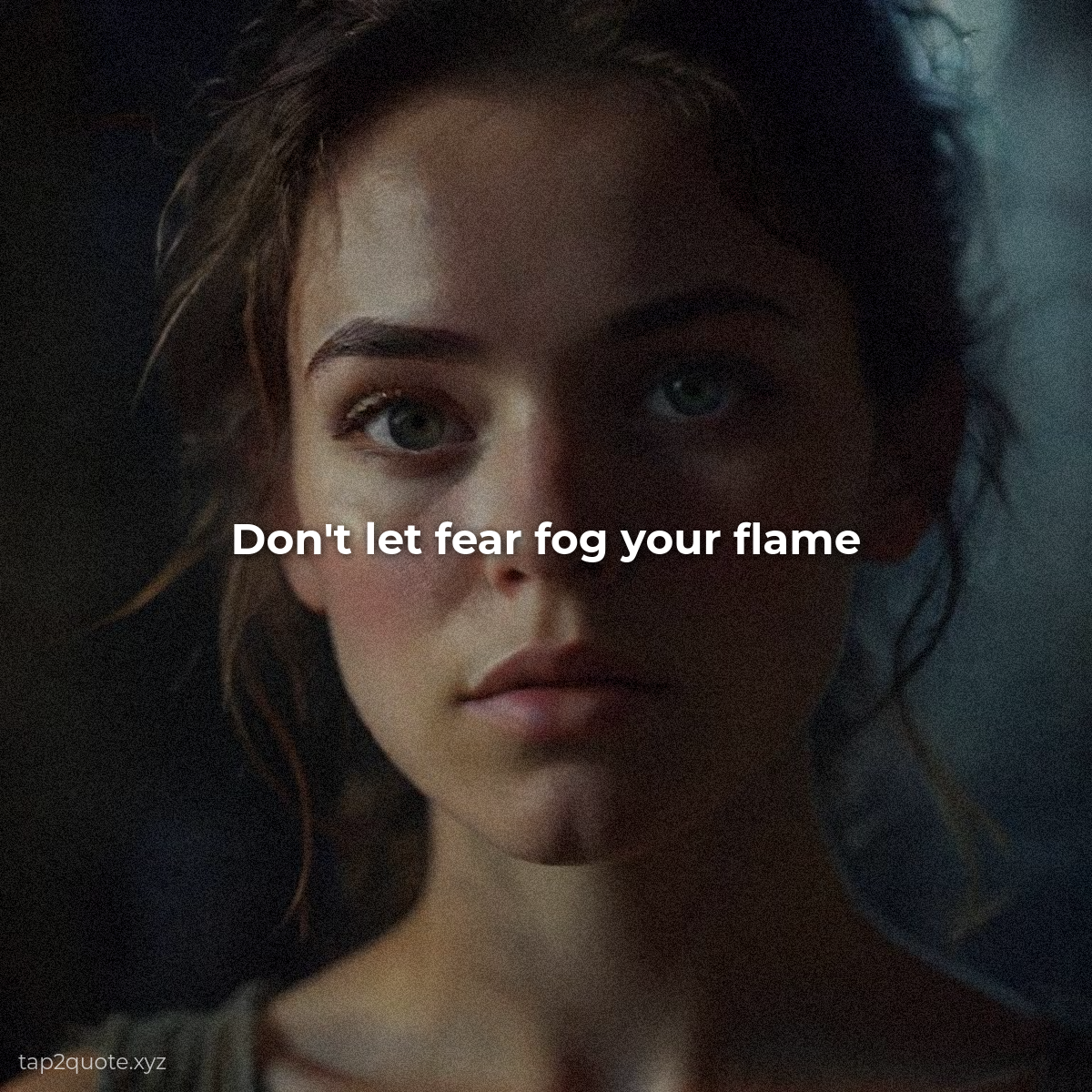
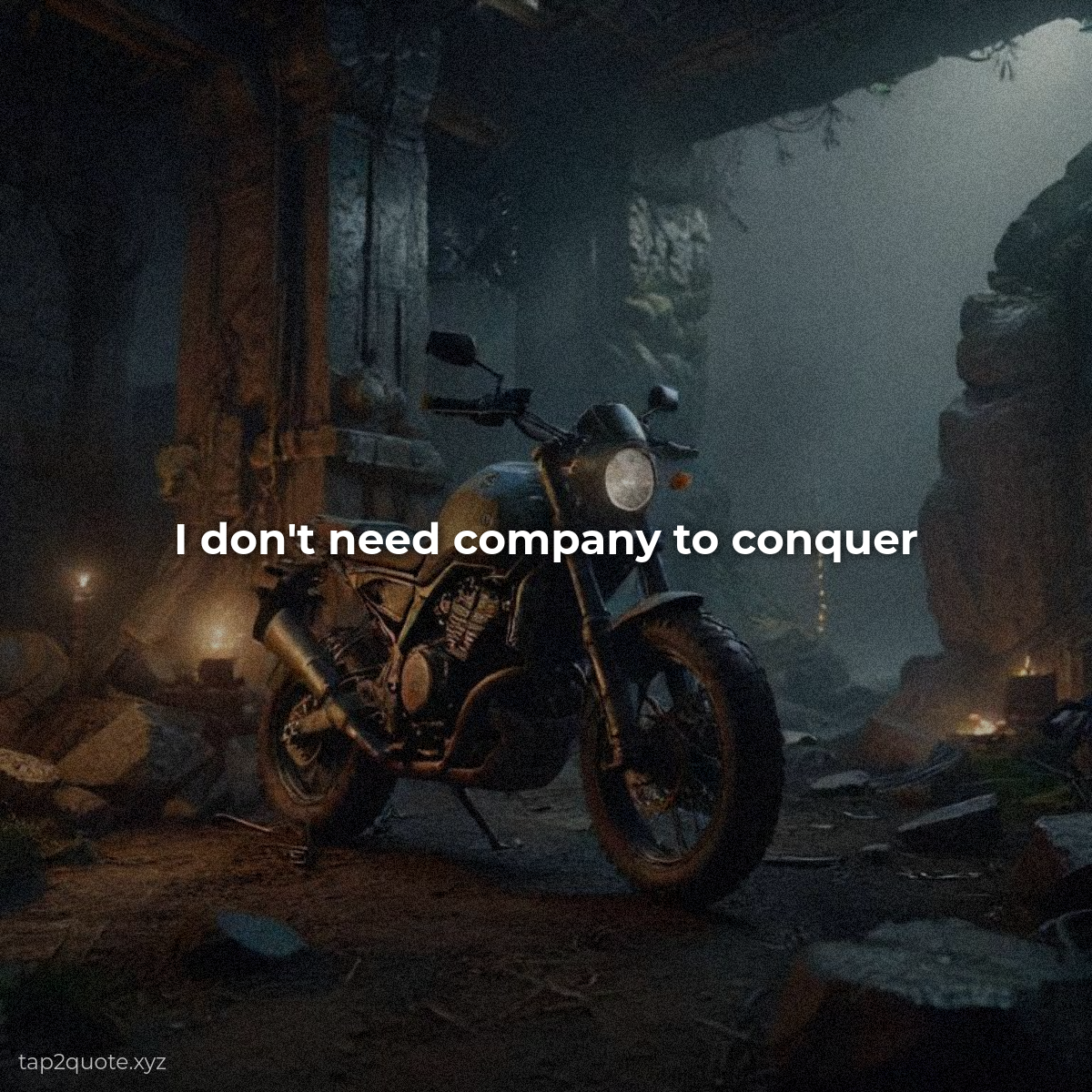
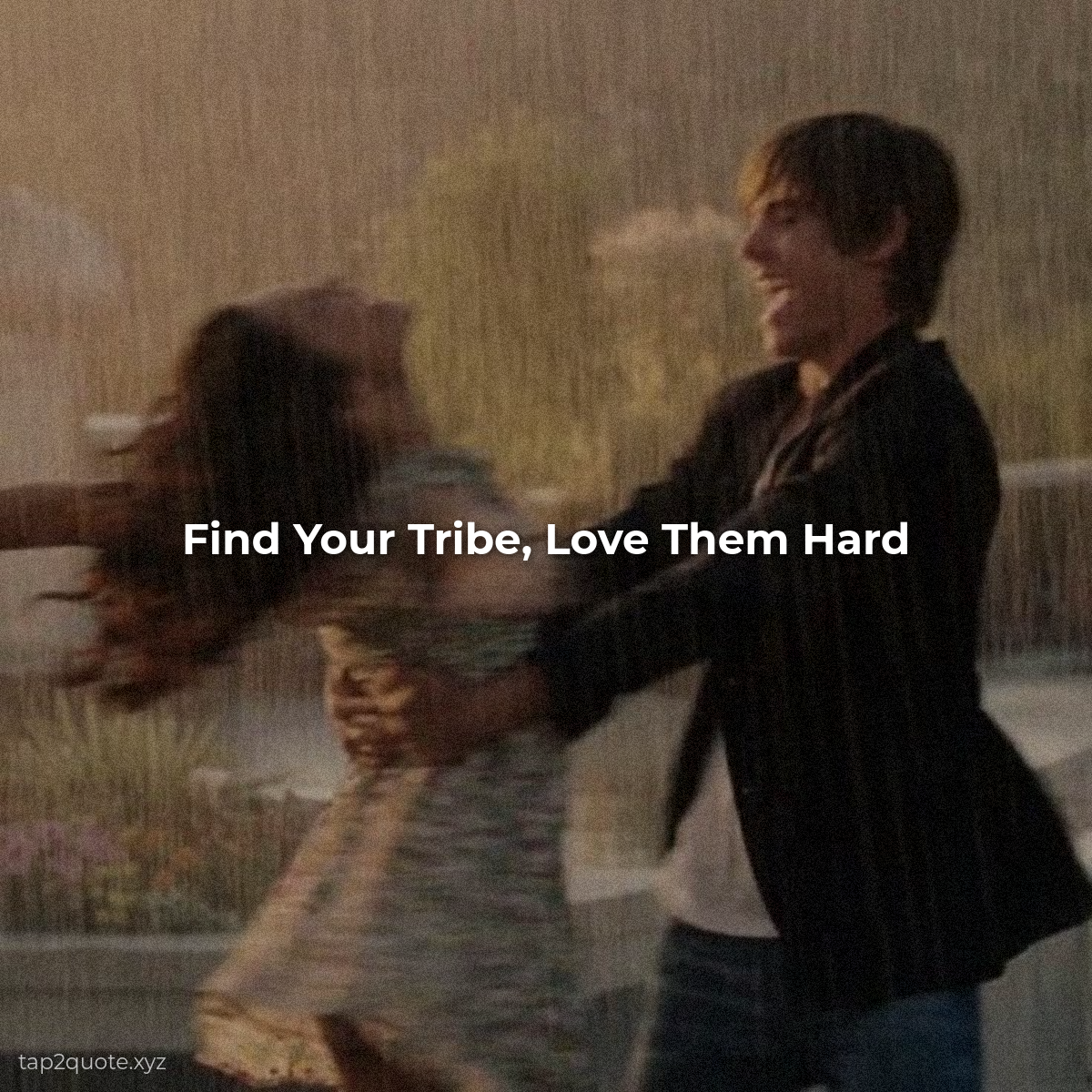
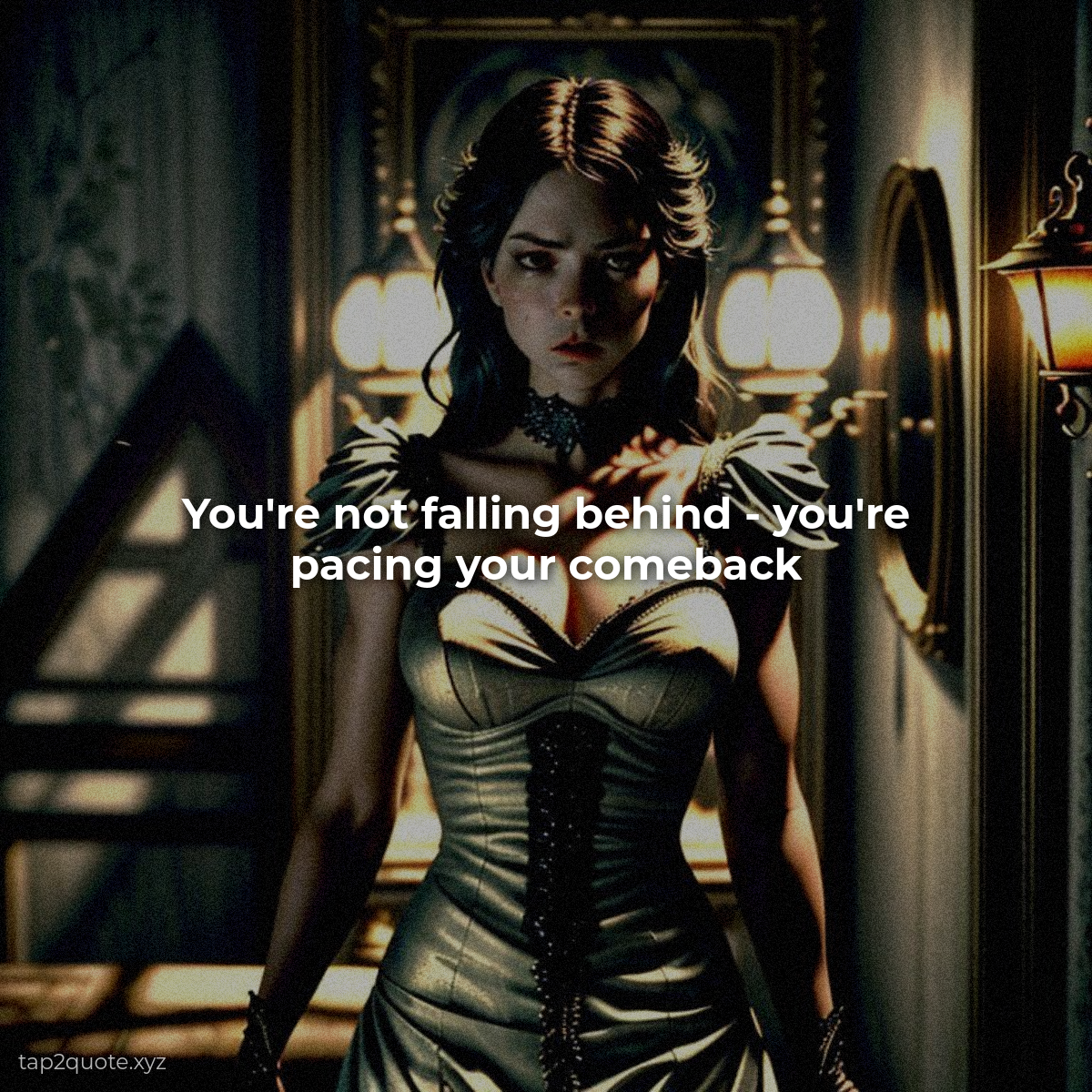
If the background and the quote are fighting each other, the image reads as a mistake. A stormy sky behind “believe in yourself” is nonsense. Soft and hopeful for gentle quotes, bold for strong ones, playful for funny ones. When they agree, the image feels finished — like it couldn't have been made any other way.
The AI shortcut
Can't find the perfect background? Generate one. Describe what you're after — “a foggy mountain at sunrise,” “a moody city street at night” — and you get something built for the exact mood of your quote. It's also the easiest way to end up with backgrounds nobody else has.
Background first, text second. Get that order right and the rest gets easier.