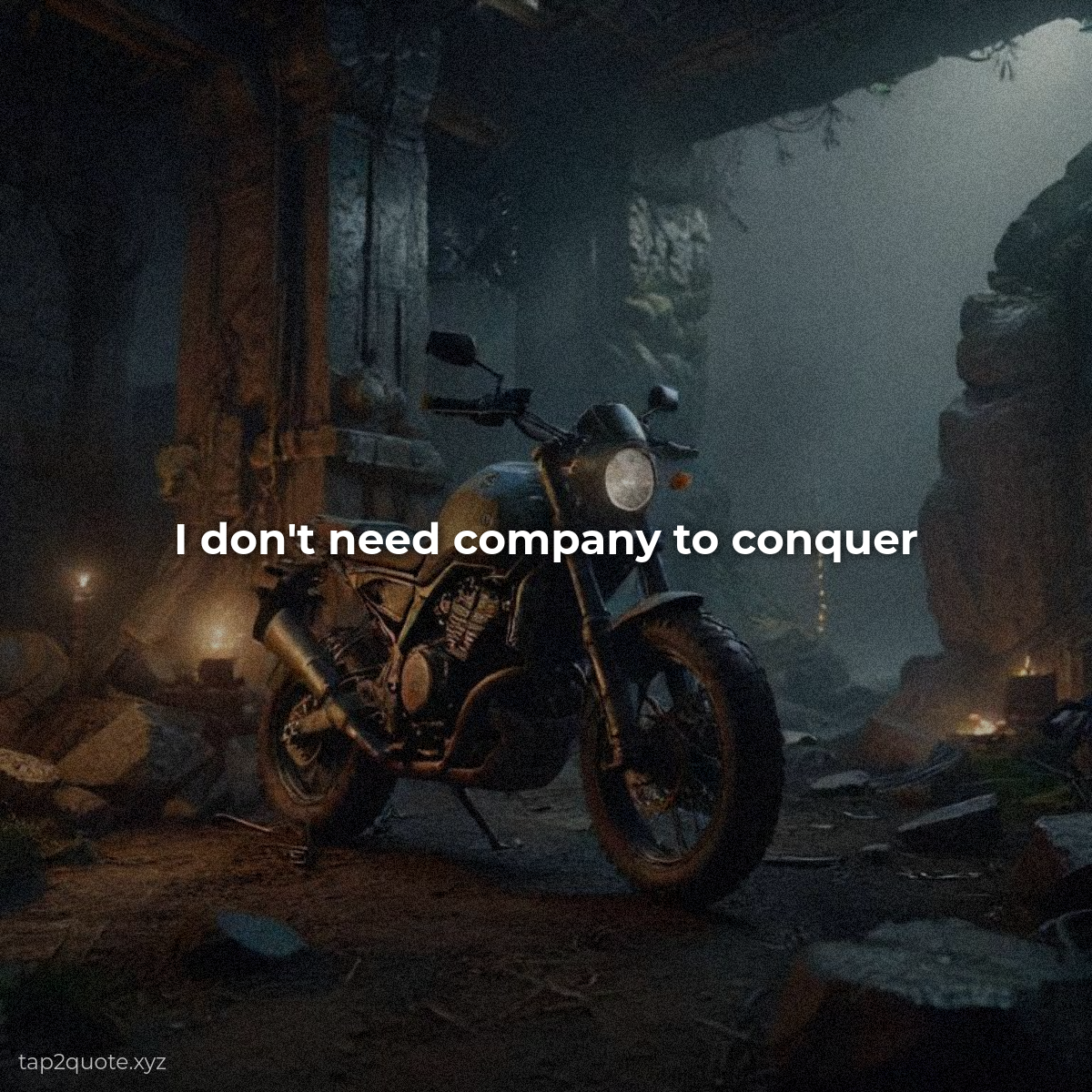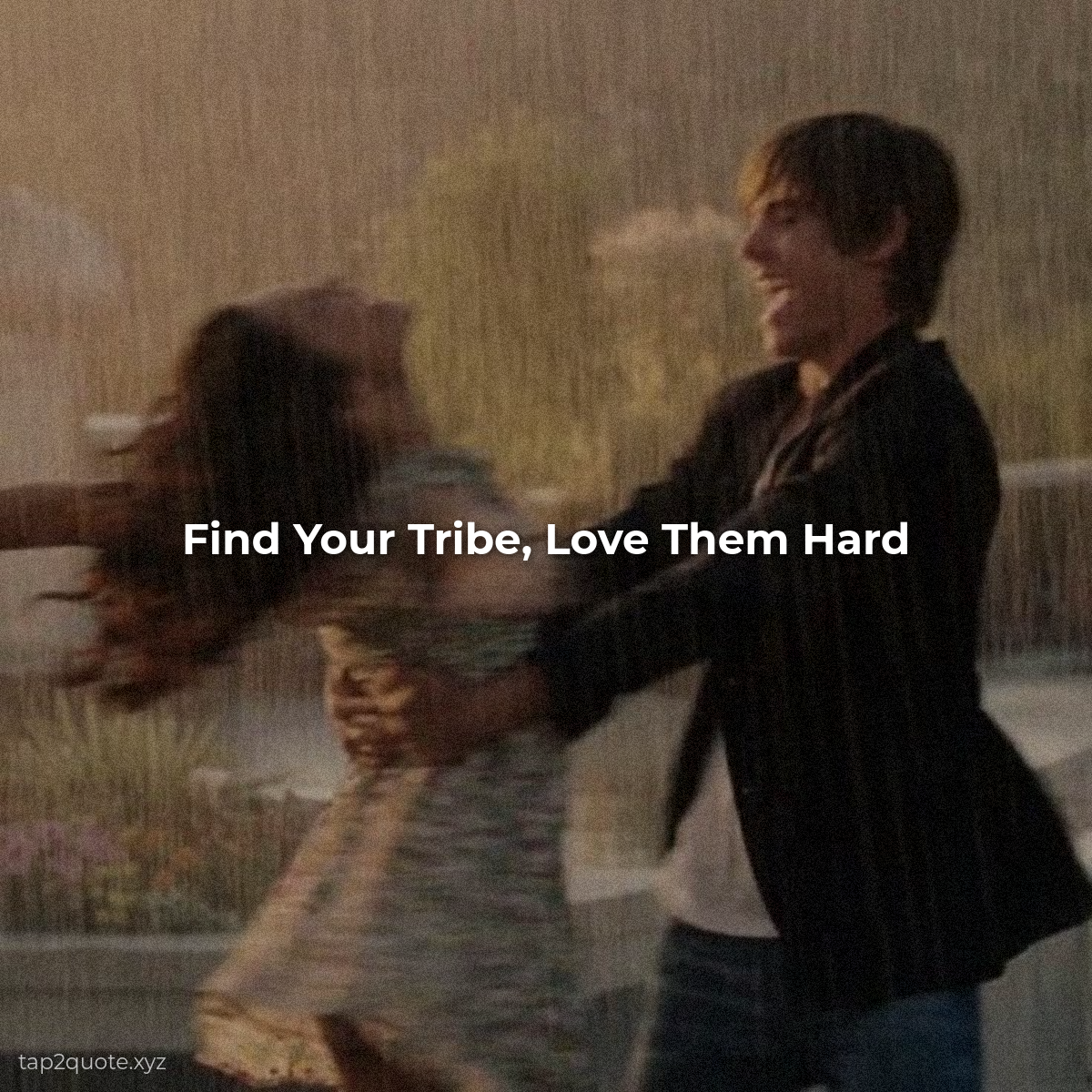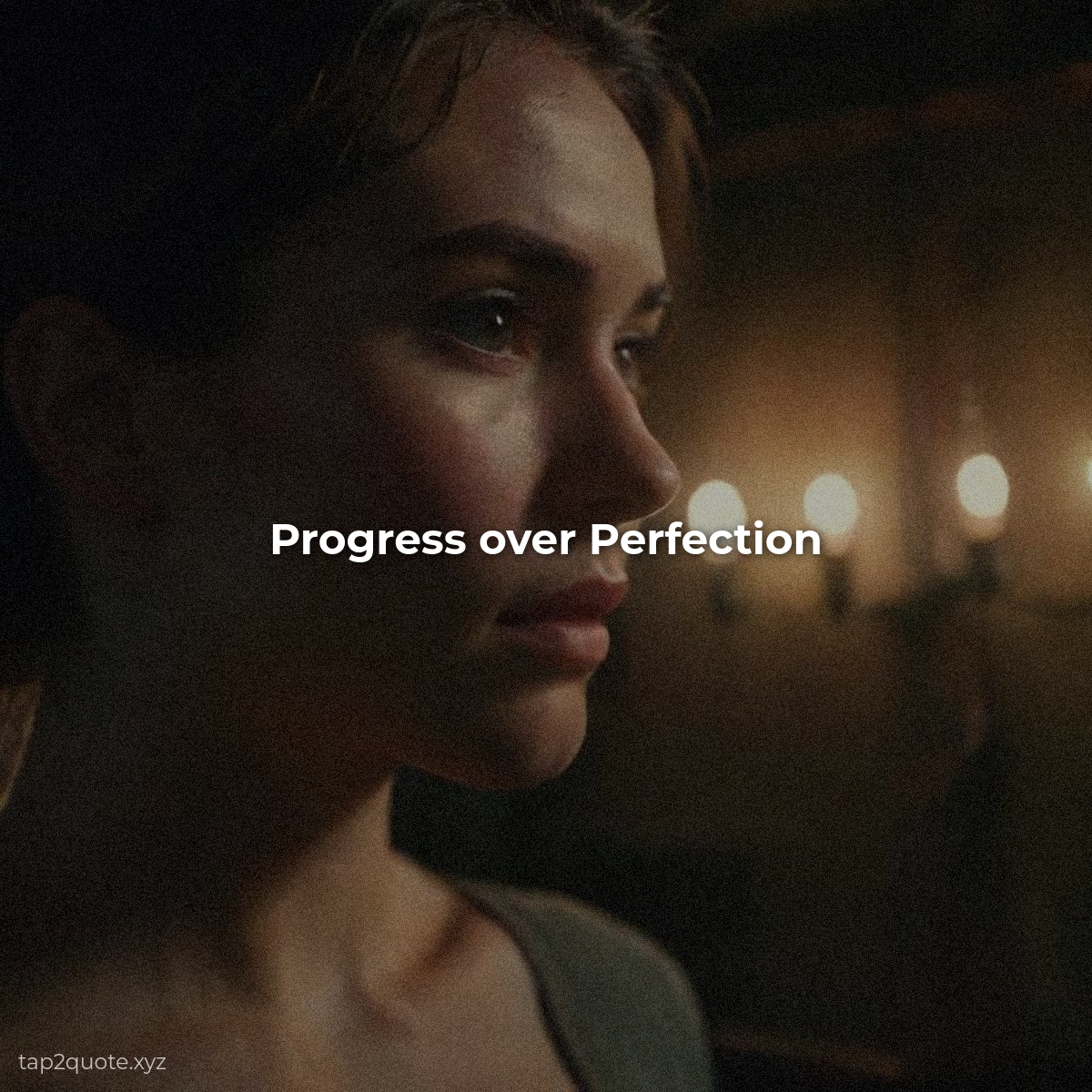
A blurry photo of trees, taken out of a car window, is the best-performing image I've ever posted.
It was an accident. I was about to delete it, and then I threw a quote on it as a joke. It got more saves than anything I'd made with a “professional” image. That's when I stopped scrolling past my own camera roll.
You're sitting on a goldmine of background material and you don't even know it.
What makes a good quote background
I run three checks on every photo before I'll use it:
- Is there empty space? Text needs somewhere to breathe. A photo with clean sky, plain wall, or a soft blurred background is a gift.
- Is the contrast manageable? You need to be able to make text readable against it. Busy, cluttered photos fight your words.
- Does it have a mood? A rainy window suits a reflective quote. Golden-hour light suits something warm. The photo should amplify the quote, not distract from it.
The shots hiding in plain sight
The best backgrounds are usually the ones you never thought to use:
- Sky at different times of day (plain blue works shockingly well)
- Textured walls — brick, concrete, wood
- Blurred backgrounds from photos where the subject is sharp but everything else melted
- Water — oceans, lakes, puddles reflecting light
- That dark, moody shot you took at night and never posted
Two tweaks that make it work
Once you've picked your photo, only two adjustments matter:
- Darken or blur it slightly so the text pops. You can always warm it back up if you go too far.
- Choose text color based on the photo, not on your preference. White text on a bright sky fails. That's not a judgment call — it's physics.
The rule to remember
Your photo is the stage, not the show. If the photo is the most interesting thing in the image, you've picked the wrong one. The quote is the show. The photo just has to make the quote look good.
So before you delete your next “pointless” phone photo, scroll back and look at it through that lens. Is there space? Is there mood? Give it a chance to carry a quote. The one you almost deleted might turn out to be your best one.